
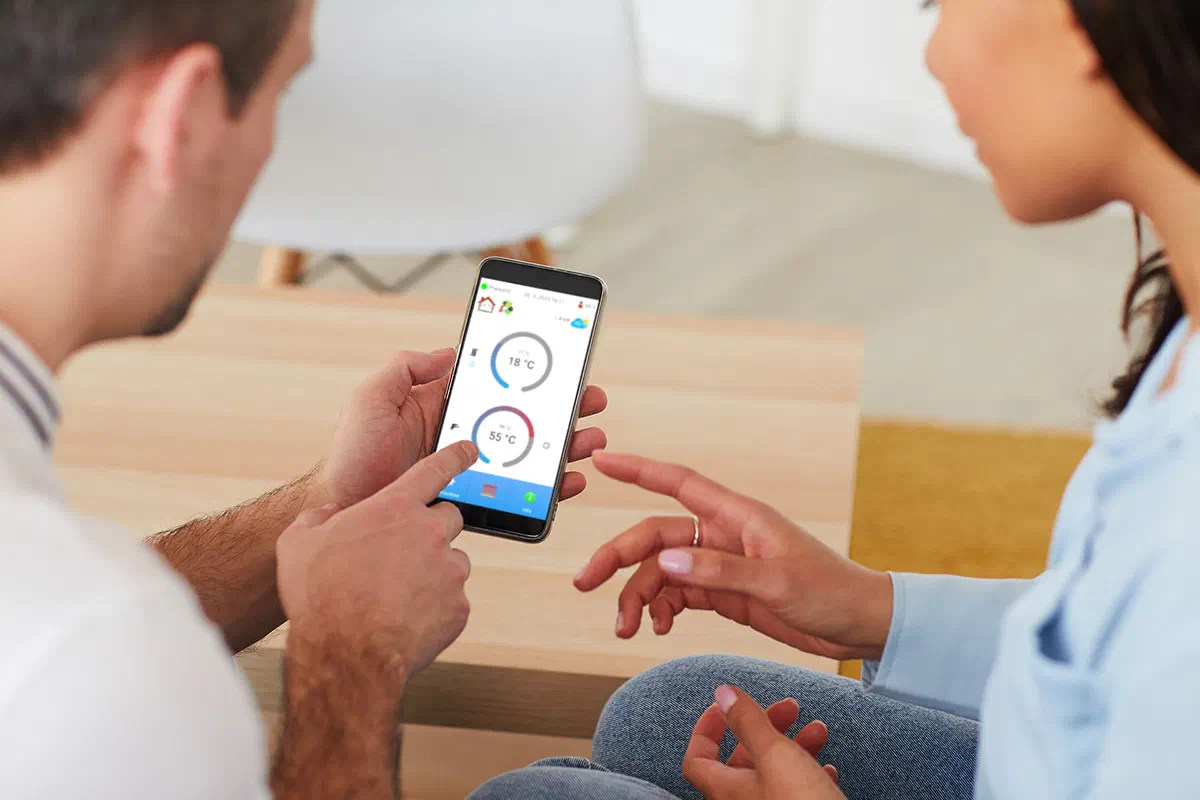
Enjoy comfort with a heat pump
When developing heat pumps, which have become a modern source of heating and cooling, we aim to offer customers comfort as well as quality. Comfort is about more than convenience; it helps you use your time more efficiently and spend more of it with family or on your hobbies.
Heat pump with the ATTACK Heating mobile app
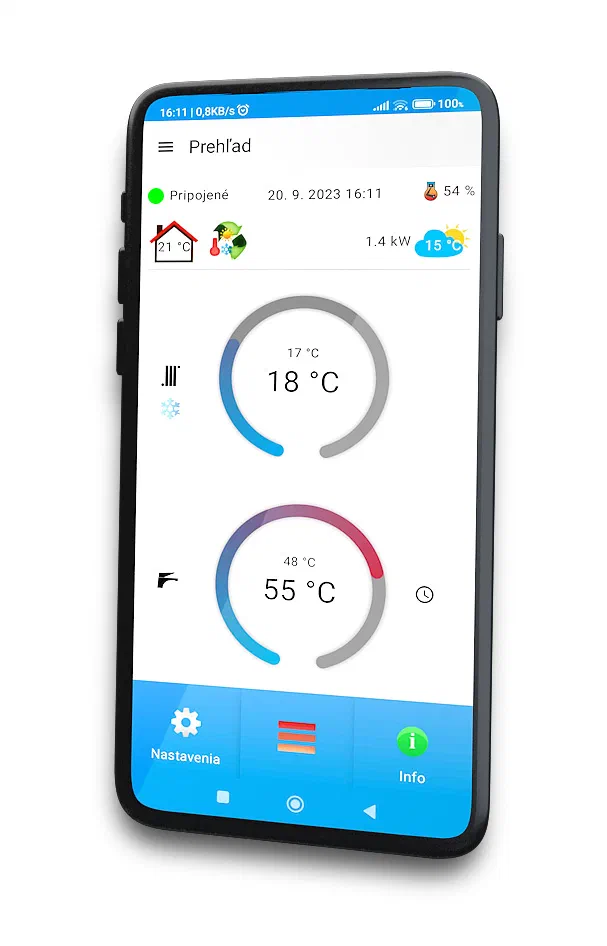
The mobile app lets you control your heat pump from anywhere with an internet connection. It offers useful features such as heating-zone control, domestic hot water settings, night mode and the Anti-Legionella function.
New version 1.5.0
Version 1.5.0 of ATTACK Heating introduced an event planner, notifications, a new intuitive design and faster response. The planner lets you set the desired heating, cooling or hot-water temperature in advance for any day and time. Notifications alert you if the heat pump loses its internet connection or electrical power. They also report important error messages that you can discuss with your service partner.
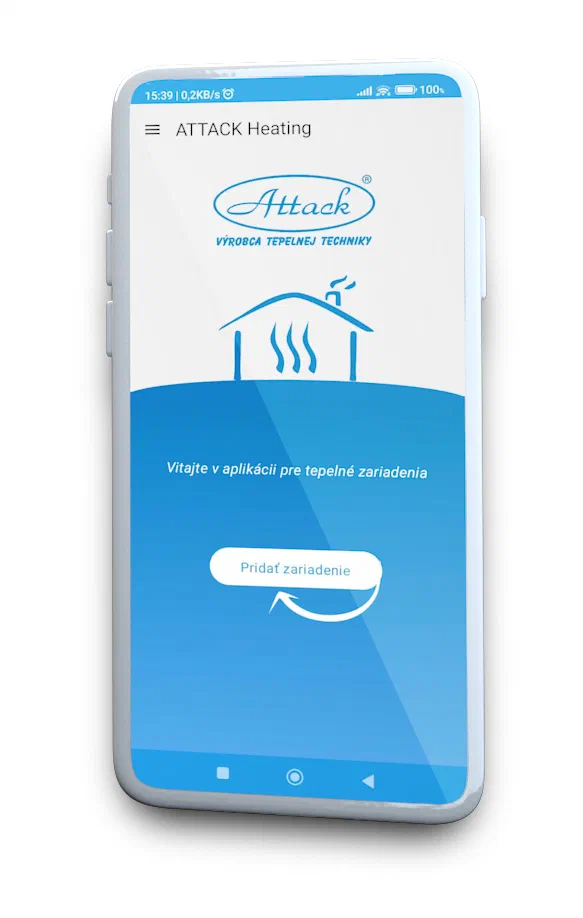
Discover ATTACK Heating
The ATTACK Heating mobile app makes it easy to control your heat pump from anywhere with internet access. Learn more about the app
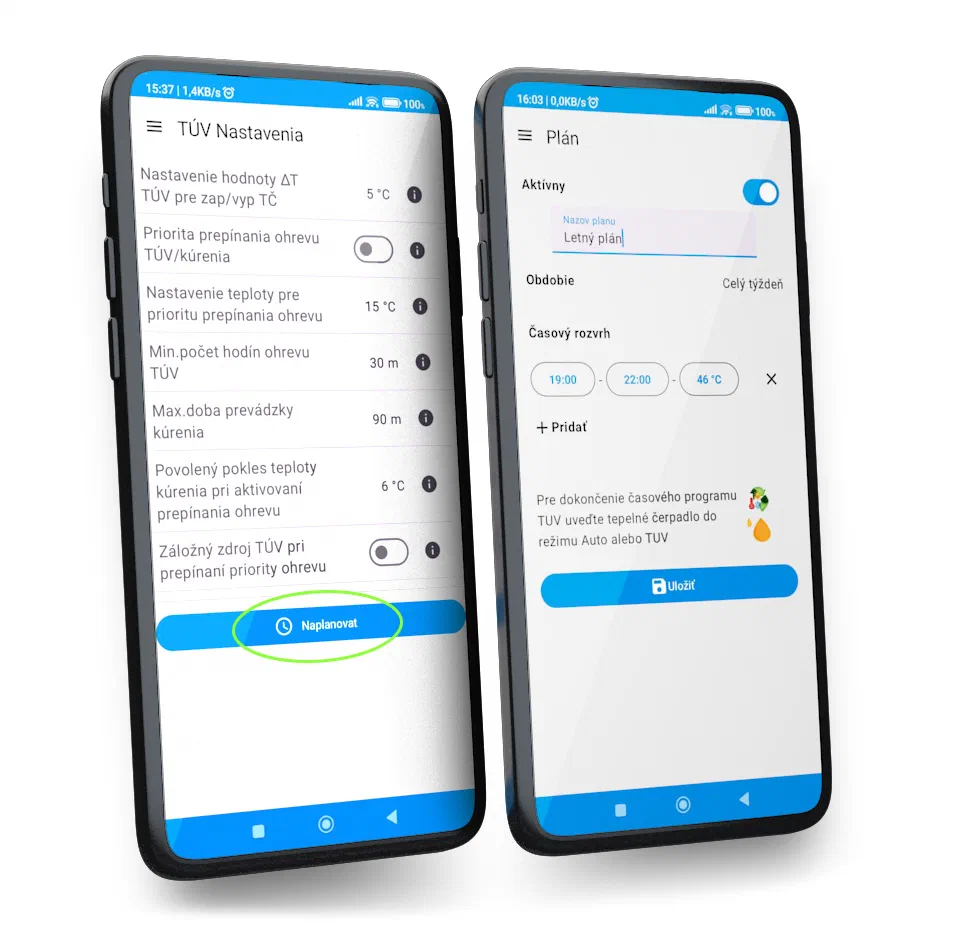
Event planner
Scheduling heating or cooling saves time and ensures the desired temperatures at the right times. You can create any number of schedules, for example for different seasons. In the app settings, you can schedule heating, cooling or domestic hot water for Zone 1 and DHW. Choose the period and time when creating a schedule. Schedules work only in Auto or Cooling mode for the heating system, and in Auto or DHW mode for the buffer tank. Remember to switch the heat pump to the relevant mode. When a schedule ends, the original heating or hot-water temperature is restored.
The mobile app can make your heat pump as comfortable to use as possible.
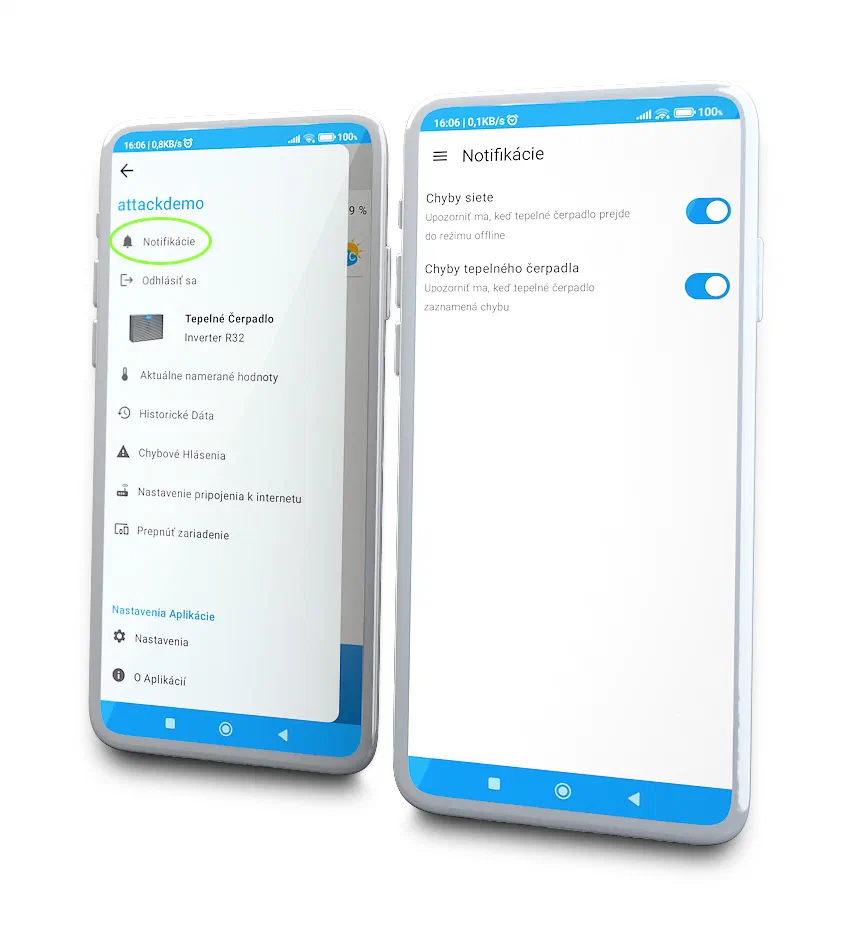
Notifications
Notifications give you a clear overview of your heat pump’s status and can alert you to network errors. If the heat pump goes offline, it has lost its internet connection or electrical power. Heat-pump error messages relate to its operation and show that a function is not working correctly. In that case, contact your service partner.
Try the demo account
After downloading the app, select “Try demo” on the sign-in screen. The demo account simulates a real heat pump, so you can explore and try its settings, parameters and functions. ATTACK Heating is available to download free of charge from Google Play and the App Store.